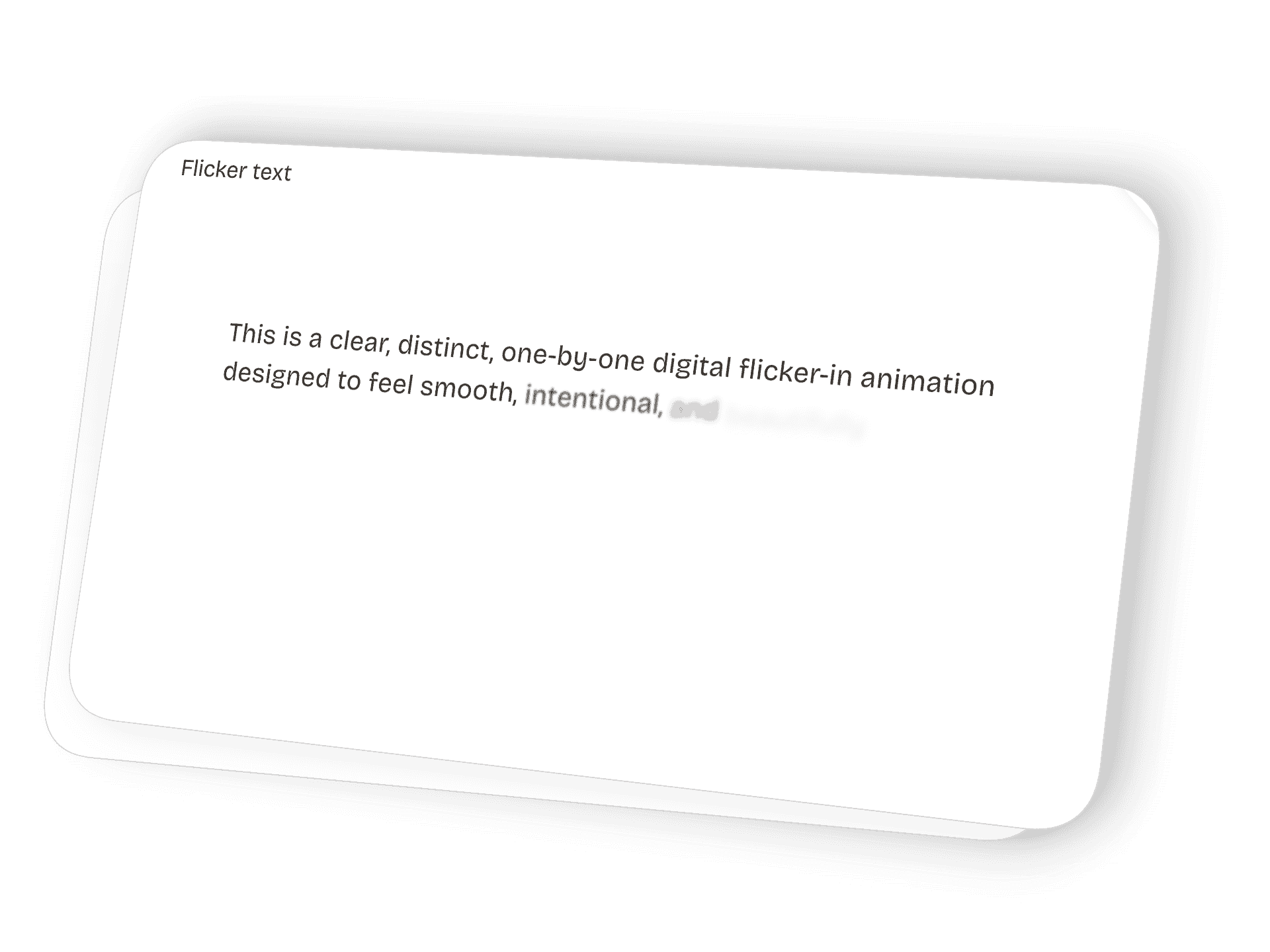
Smooth Digital Flicker Text Animation for Squarespace (Free Copy-Paste Code)
How to add it to your Squarespace page
Step 1 : Add a Code Block
Go to the page you want.
Click Edit → hover → click +.
Choose Code Block.
Make sure Display Source is OFF.
Step 2 :Copy the full code below
Paste it exactly as it is into your Code Block.
Copy the Full Flicker Text Animation Code
Click to copy the full HTML + CSS + JavaScript.
Then paste it into a single Squarespace Code Block (HTML mode).
<style>
/* Flicker Animation — Text Reveal */
.flicker-text span {
  opacity: 0;
  filter: blur(6px);
  transform: translateY(10px);
  display: inline-block;
  transition: 0.45s ease;
}
.flicker-text.active span {
  opacity: 1;
  filter: blur(0);
  transform: translateY(0);
}
.flicker-text.active span:nth-child(n) {
  transition-delay: calc(0.12s * var(--i));
}
</style>

<div class="flicker-text" data-animate style="font-size:38px; font-weight:400; line-height:1.45;">
  <span style="--i:1">This</span>
  <span style="--i:2">smooth,</span>
  <span style="--i:3">intentional</span>
  <span style="--i:4">flicker-in</span>
  <span style="--i:5">sequence</span>
  <span style="--i:6">brings</span>
  <span style="--i:7">clarity,</span>
  <span style="--i:8">rhythm,</span>
  <span style="--i:9">and</span>
  <span style="--i:10">modern</span>
  <span style="--i:11">movement</span>
  <span style="--i:12">to</span>
  <span style="--i:13">your</span>
  <span style="--i:14">Squarespace</span>
  <span style="--i:15">site.</span>

  <span style="--i:16">Each</span>
  <span style="--i:17">word</span>
  <span style="--i:18">appears</span>
  <span style="--i:19">with</span>
  <span style="--i:20">calm</span>
  <span style="--i:21">precision</span>
  <span style="--i:22">to</span>
  <span style="--i:23">enhance</span>
  <span style="--i:24">your</span>
  <span style="--i:25">message</span>
  <span style="--i:26">beautifully.</span>

  <span style="--i:27">Created</span>
  <span style="--i:28">with</span>
  <span style="--i:29">care</span>
  <span style="--i:30">by</span>
  <span style="--i:31">Love</span>
  <span style="--i:32">Ajayi,</span>
  <span style="--i:33">it</span>
  <span style="--i:34">adds</span>
  <span style="--i:35">a</span>
  <span style="--i:36">premium</span>
  <span style="--i:37">digital</span>
  <span style="--i:38">feel</span>
  <span style="--i:39">to</span>
  <span style="--i:40">any</span>
  <span style="--i:41">website.</span>
</div>

<script>
document.addEventListener("DOMContentLoaded", function () {
  const animatedEls = document.querySelectorAll("[data-animate]");
  if ("IntersectionObserver" in window) {
    const observer = new IntersectionObserver((entries) => {
      entries.forEach(entry => {
        if (entry.isIntersecting) {
          entry.target.classList.add("active");
        } else {
          entry.target.classList.remove("active");
        }
      });
    }, { threshold: 0.2 });
    animatedEls.forEach(el => observer.observe(el));
  } else {
    function handleScroll() {
      animatedEls.forEach(el => {
        const rect = el.getBoundingClientRect();
        const viewHeight = window.innerHeight || document.documentElement.clientHeight;
        if (rect.top < viewHeight * 0.8 && rect.bottom > 0) {
          el.classList.add("active");
        } else {
          el.classList.remove("active");
        }
      });
    }
    document.addEventListener("scroll", handleScroll);
    handleScroll();
  }
});
</script>
How to change the text
This is the easiest part.
Every word is inside a <span>:
<span style="--i:1">This</span>
To change a word, replace the text between the tags:
<span style="--i:1">Your new text</span>
If you want to add more words
Copy an existing line:
<span style="--i:20">new word</span>
Increase the number (--i:21, --i:22, etc.)
If you want bigger text
Change this in the main <div>:
font-size:38px;
If you want the animation slower
Increase this:
transition-delay: calc(0.12s * var(--i));
Example:
0.15s = slower
0.08s = faster
Recommended ChatGPT Prompt (Copy & Paste)
Hi! I’m using the Flicker Text Animation from Love Ajayi.

I want to customize the words, timing, font size, and layout — but I don’t want to break the animation.

Here’s what I want to change:
– (list any words to update)
– (write new paragraphs or sentences)
– (change font size)
– (change animation speed)
– (add or remove words)
– (make the text centered / left / bigger / smaller)

Here is my full code:
[PASTE YOUR ENTIRE FLICKER TEXT CODE HERE]

Please return a complete updated snippet (HTML + CSS + JS together) so I can paste it back into a Squarespace Code Block.
PAST PROJECTS
Featured



Featured